
On-site & Remote Technical Support
Not every IT problem needs an engineer at your door, and not every one can be solved from a distance. On-site and remote technical support lets us choose the practical route: a remote session where it suits the problem, a visit when hands-on work is needed.
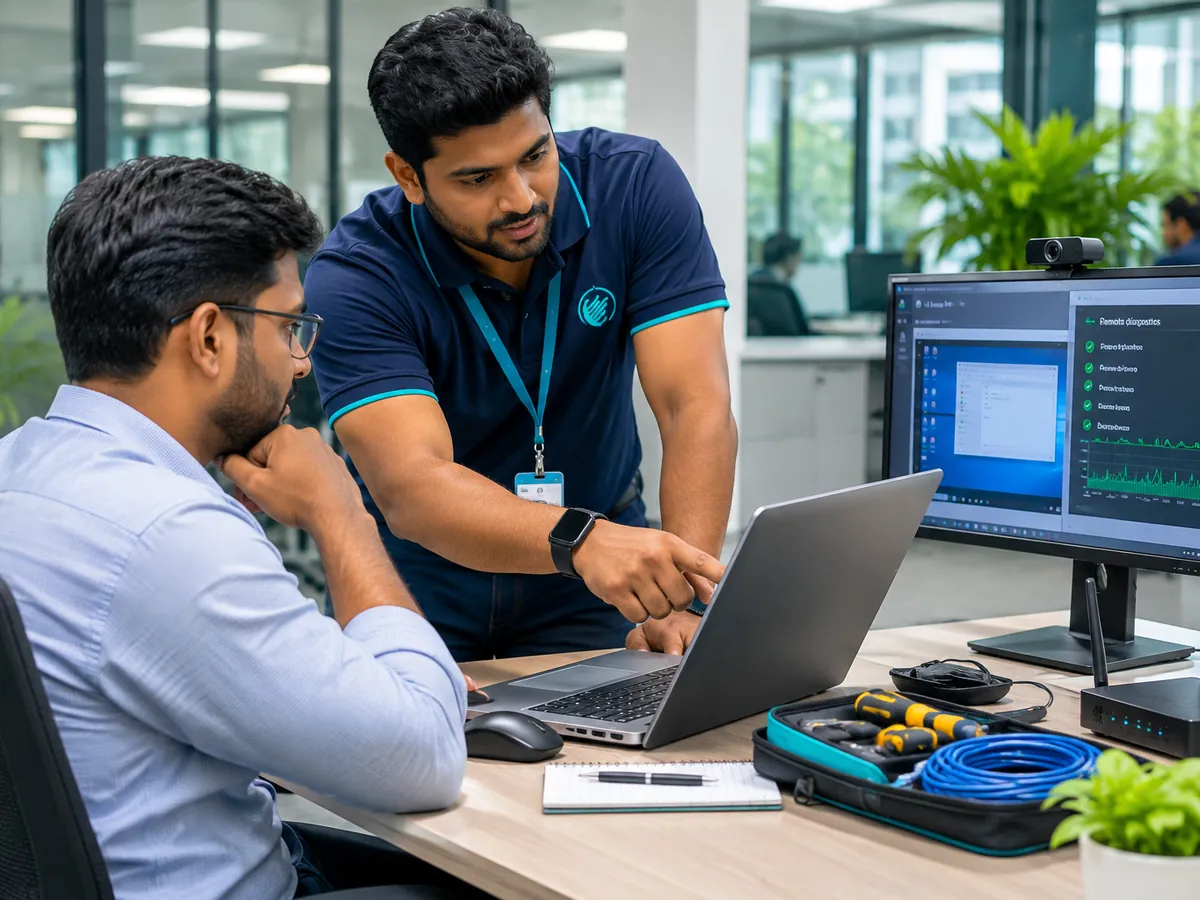
What Aghanya Technologies provides
- On-site technical assistance at your premises.
- Remote troubleshooting where the problem allows it.
- Diagnosis of the IT issues your staff report.
- Support for the hardware and software used in your business.
The problem it solves: Staff lose time when everyday IT problems have nobody to turn to.
What is included
- On-site technical assistance
- Remote troubleshooting where suitable
- IT issue diagnosis
- Hardware and software support
- Scheduled maintenance visits
- Technical assistance for business users
Where it is used
- Offices without an in-house IT person
- Staff who need help with everyday computer problems
- Businesses with more than one branch
- Teams that want regular scheduled check-in visits
What you gain
- The right route for each problem
- Help for everyday business users
- Scheduled visits can be arranged
How we do it
- Step 1
Raise the issue
Tell us what is happening and which device or software is affected.
- Step 2
Diagnose
We work out the cause, often by questions first, then by a remote session or a check on site.
- Step 3
Resolve
We fix it remotely where that suits the problem, or visit when hands-on work is needed.
- Step 4
Follow up
We confirm the issue is resolved and note anything that needs attention later.
Frequently asked questions
What kinds of issues do you help with?
Everyday hardware and software problems on business computers, along with related IT issues. Describe your problem and we will tell you whether we can help.
When is remote support suitable?
When the device is online and the issue is in software or settings. Hardware faults and devices that cannot connect usually need a visit.
What do I need for a remote session?
A working internet connection on your device and your agreement to connect. We explain the steps before we begin.
Can I arrange regular visits?
Yes. Scheduled maintenance visits can be arranged, and the frequency is agreed with you.
Will you promise a response time?
Response arrangements depend on the agreement we make with you. We do not publish a standard time or round-the-clock availability.
Related services
- AMC & Technical SupportAnnual Maintenance Contracts and technical support that keep your equipment working all year.
- Computer & Hardware AMCScheduled health checks for desktops, laptops, printers and peripherals.
- Network & IT Infrastructure AMCRegular inspection of cabling, ports, switches and routers, and troubleshooting when links drop.
Request a callback about On-site & Remote Technical Support.
Leave your name and mobile number and our team will call you back about this service. Mention quantity, location or timing if you know them.